How to Convert Quark QuarkXPress to Adobe InDesign
"I recently received a project file in Quark format. How can I convert this Quark file to Adobe InDesign so that I can edit it? When I open the file in InDesign, some parts of the file don't look right."
There's only one solution I've seen that does conversion from QuarkXPress files to Adobe InDesign files correctly - Markzware's Q2ID. It keeps all portions of a Quark file intact while making it easy to work on the files in InDesign going forward. You can convert QuarkXPress files one at time or batch convert a bunch of Quark files so that you never need to open the Quark versions again. Versions of Q2ID are available for both Mac OS and Windows versions of InDesign, so you can be sure you can work in the environment that makes sense for your needs. QuarkXPress versions 3.3 thru 7.0 are all supported.
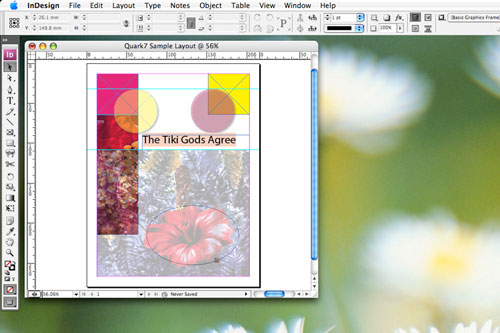
With Q2ID installed you can open QuarkXPress 7 files directly in Adobe InDesign: