Remove People From Photos Automatically
There's nothing like trying to get a scenic shot, only to have people walk through the scene as you're taking a picture. Removing people from your photos is one of the key features of online photo site Snapmania. To make it work, you just need to remember to take at least 3 photos of of the same spot (meaning you probably need a tripod for precision). You then upload those three photos to Snapmania and some software processing will do a reasonably good job of taking everyone out of the shot. I didn't have any photos lined up for a test like this, so I used the sample photos they include when you create your free account.
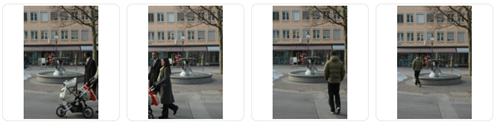
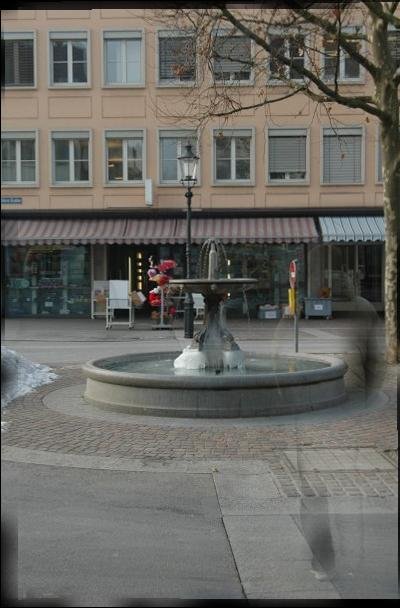
I think if I'd chosen the right three images, rather than the left three, I would have ended up with a much cleaner result. Still this is a handy solution for making travel photos come out looking the way you want them if you have the patience to take the shots you need.
As an alternative, you may also want to review this tutorial on removing people from photos with Photoshop.