
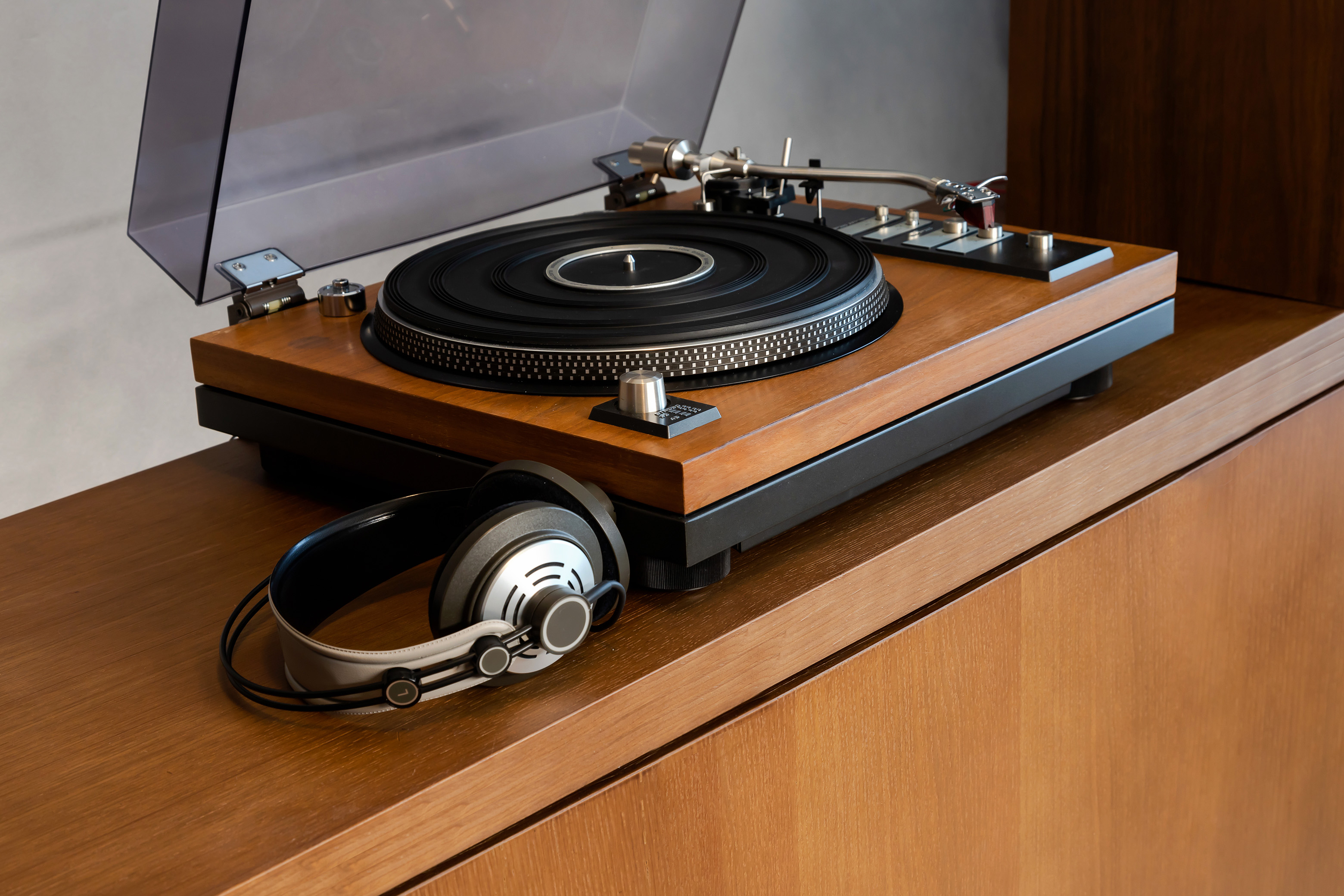
“I notice your guide on converting vinyl records to CD does not include the Ion TTUSB Turntable. Is that because you don’t recommend it? Is there something better?”
Converting Vinyl Records (and cassettes) to CD was last updated before the Ion TTUSB turntable was available on the market. The software covered in the guide works great if you already have a turntable as part of your home entertainment system and you want to connect to your PC, but I hadn’t taken the time to review the Ion, primarily because I didn’t need one. I’ve more recently decided to purchase both the Ion TTUSB USB Turntable and the Ion Tape2PC USB cassette deck to put them both through their paces. I came to the conclusion that the hardware is acceptable but the software could use some help. Here’s why:
If you already have a turntable, I’d stick with using it in combination with your computer’s sound card and Spin it Again (which I cover below). If you don’t have a turntable, the Ion makes a solid choice because the sound quality is on par with anything you might be able to find for a reasonable price in stereo components. In addition to USB, it also has RCA cables, so you can connect the Ion turntable to your stereo system when you finish converting records. The Ion will not sound good to the discerning ear of an audiophile, but most people don’t have the ear to appreciate the difference between buying an affordable turntable and buying one priced on par with a new refrigerator.
Ion TTUSB Software Comes Up Short

The TTUSB ships with two software options, ez Vinyl Converter and Audacity. As a free multi-track audio editor, I frequently rave about Audacity and have written various Audacity tutorials. Audacity is included in the vinyl records conversion ebook, although I find using it to be more complex than many people would prefer. Still it’s an acceptable way to record full length albums and divide them into individual tracks. The one thing Audacity does not do well is track down data about audio files because it’s not linked to GraceNote or any other music information database. If you’re willing to manually provide track information for each song on each album, Audacity will get the job done.
ez Vinyl Converter is billed as the beginner solution for converting vinyl records with the Ion Turntable. It seems that easy means you have nothing better to do with your time than sit and wait for your recording to finish because it can’t automatically split the side of an album into tracks and I couldn’t find a way to easily divide up a giant file with ez Vinyl Converter without opening the recording in something like Audacity later. If you want individual songs as their own files when using ez Vinyl Converter, you have to sit at your computer and start a new track by clicking a button when the record player moves to the next track. Add to this that the software won’t work unless you have iTunes installed, because it automatically assumes everyone wants to use iTunes to manage their music, and ez Vinyl Converter is a major headache.

Ion Turntable coupled with Spin it Again
Spin it Again from Acoustica didn’t exist when I wrote my guide on converting vinyl records to CD. Spin it Again currently rates as the best solution I’ve found for converting vinyl records with any turntable. If you want a great experience in converting your record collection with an Ion turntable, download Spin it Again and ignore the software that ships with the Ion.
Spin it Again automatically detects new songs on an album side, so you spend less time editing after you are finished. Spin it Again has built in tutorials to walk you through each step of the recording process. Spin it Again includes a great look up tool that seems to find track names and album information better than almost anything else I tried. Spin it Again also includes built in noise removal tools that eliminate the popping and hissing noises sometimes associated with old records.

If you’ve already mastered audio editing apps like Adobe Audition, Sound Forge, or Audacity, those apps also work with the Ion turntable, but you may want to consider Spin it Again because it makes the whole process infinitely easier. You’ll save time tracking down album details, the process is streamlined because the software is optimized for automation. I’ve changed my allegiance to vinyl converters a few times over the years I’ve been writing about them, but Spin it Again is truly in a class by itself.



