
Sandy writes, I have a Dell Dimension 8400. I recently purchased a JVC digital camcorder. The camcorder came with some software Digital Photo Navigator and also a USB connection. When I go to put my video on the computer all I get is the still pictures on the SD card. I just bought a FireWire cable but cannot for the life of me find a spot to plug it in to the computer.
Camcorder manufacturers made things a little confusing when they added USB support for transferring still images because they don’t generally ship the required cable for transferring video in the camera box. It seems like a major oversight that many computers are still shipping without FireWire ports, but I know it happens because I have a system that didn’t ship with a FireWire port by default. Before we rule out that your system does not have a FireWire port, lets take a look at a few possibilities.
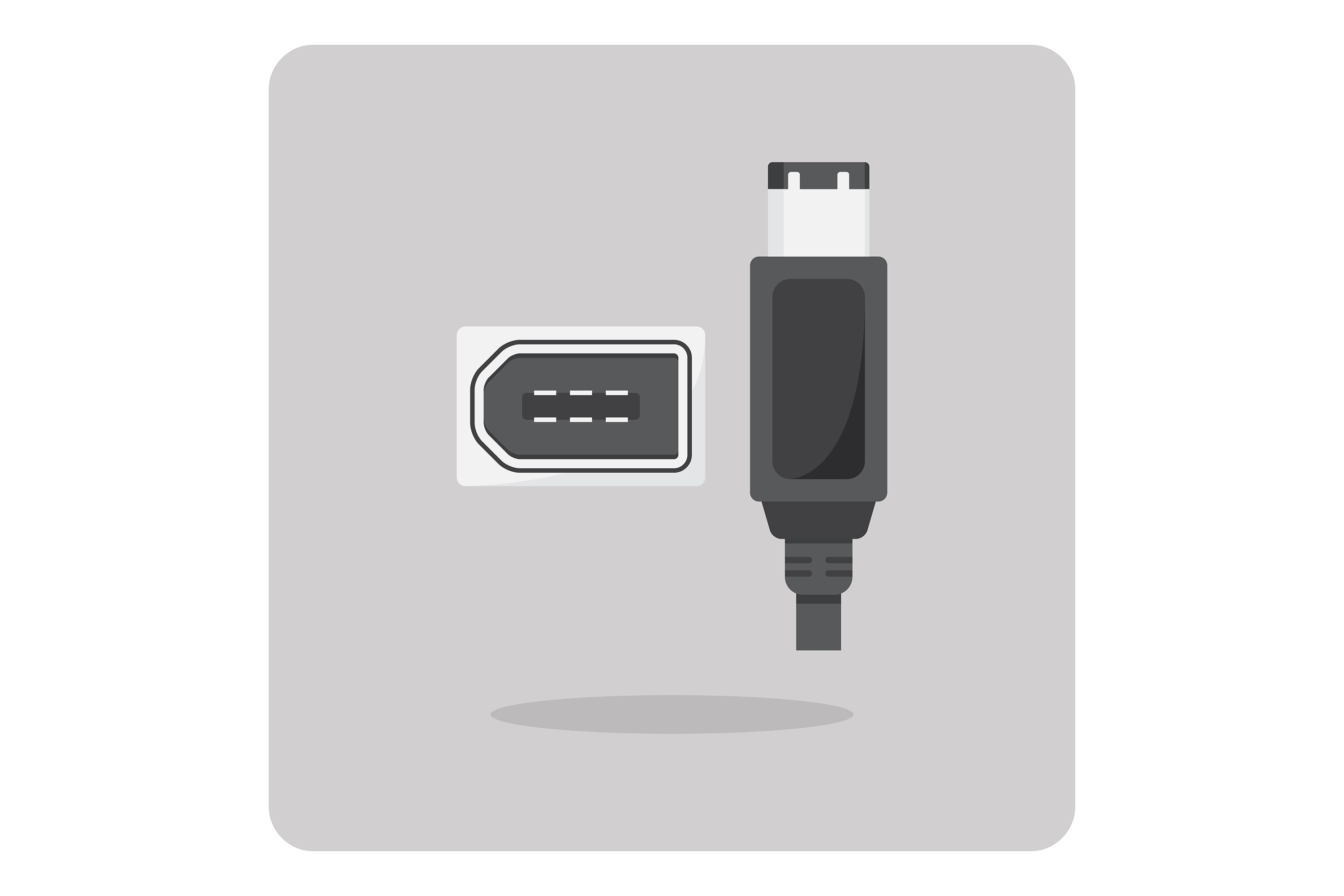
There are two types of FireWire ports. The 4-pin kind like the one on your camcorder, which is also the port typically found on Windows laptops. There’s also a larger 6-pin port that is commonly found on desktop systems and all Apple computers.
6-pin FireWire Port

4-pin FireWire Port

Depending on how you configured your Dell computer at the time of purchase, you might have a FireWire port on your soundcard. Many of the Dell systems offer an upgrade to a Creative SoundBlaster card, with the FireWire port found below all of the audio ports like this:

Depending on which type of port is on your computer, you might need a different cable than the one you currently have. The most common scenario for desktop systems is using a 4-pin to 6-pin cable, which connects the 4-pin side to the camcorder and the 6-pin side to the desktop system. FireWire cables also come in 4-pin to 4-pin and 6-pin to 6-pin configurations. As long as you know which connector you have on your PC, getting someone at the local electronics store to point you to the correct cable you need is relatively easy.



