
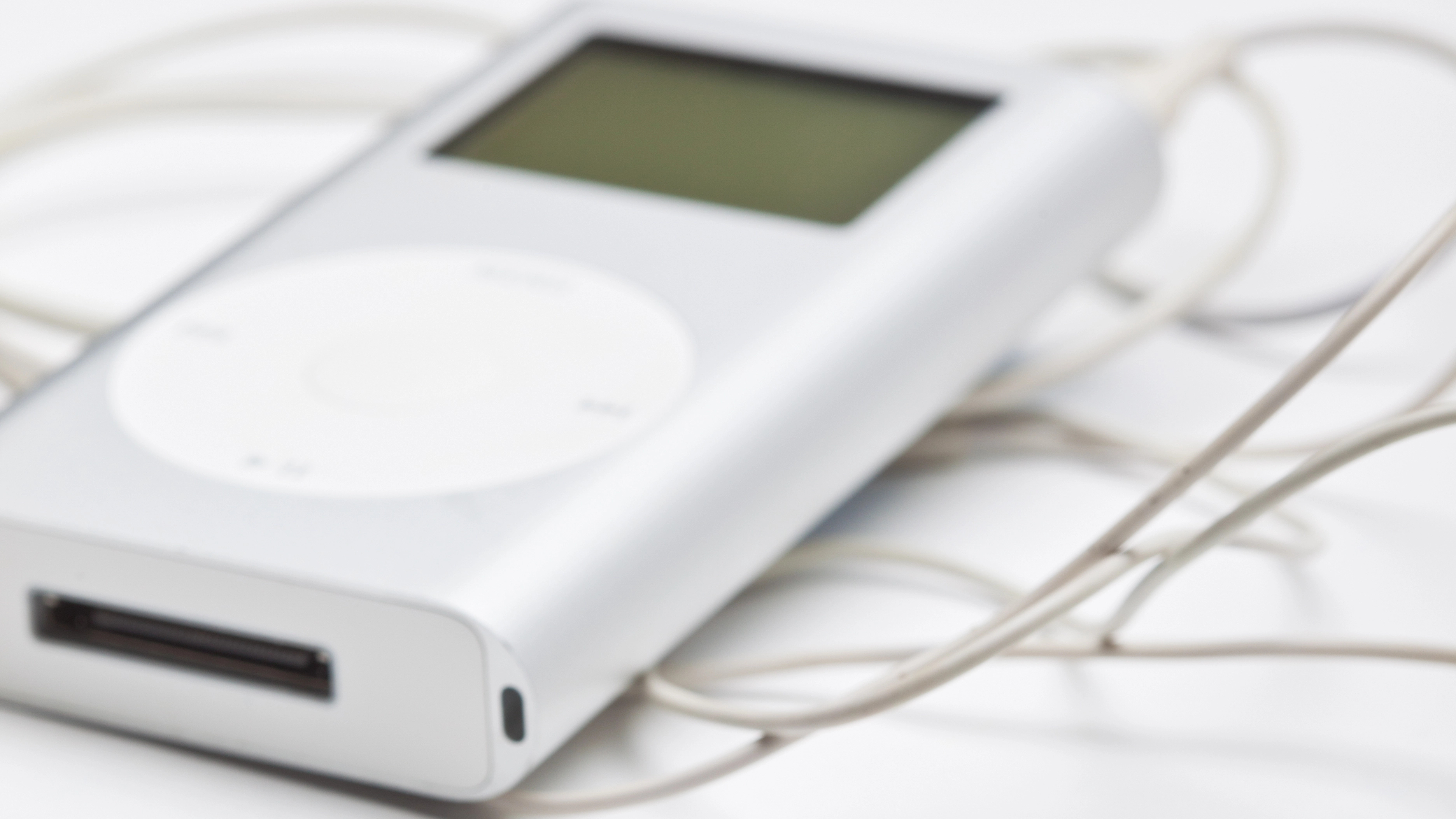
Cameron says, “Hello, My name is Cameron, I NEED HELP! I want to put music on my iPod from Windows Media Player 10, but it won’t let me put music on it to sync!”
This is by design. Apple wants you to use their end-to-end experience of iPod-iTunes-iTunes Music Store. The easiest way to connect your music collection with your iPod is through iTunes. Windows Media Player does not natively support syncing with any of the iPod line of players and likely never will. At best, you can bypass iTunes as an interface for your iPod, but there’s nothing that’s going to let you directly interface with your iPod by attempting to sync the library of music you use in conjunction with Windows Media Player. Here are a couple good options for syncing your iPod without needing iTunes.
Media Monkey
The standard version of MediaMonkey is one way to sync files to an iPod without using iTunes. The software is hands down the best music file manager for Windows. With recent improvements, it’s also one of the best ways to sync your iPod without using iTunes. You can manage all of the tracks you download from iTunes in MediaMonkey. You can import your Windows Media Player library and playlists. You can configure automatic sync of music between your iPod and your music library. The only thing MediaMonkey can’t do is make files you purchased as non-iTunes DRM files playable on your iPod. I highly recommend MediaMonkey. It’s the solution I use to keep my phone in sync with my own music library.
Xilisoft iPhone Magic
Another great alternative to iTunes is Xilisoft iPhone Magic. While the name implies working with iPhones, it also works with iPod devices too. This app handles all the music, video, and photo management for your iPod, while expanding beyond the basic features offered by iTunes. You can convert many audio and video formats so they playback on your iPod automatically. DVD ripping is supported, direct to the video library for your iPod. You can play files on your iPod on your PC speakers when the iPod is connected to your computer. iPhone Magic lets you build photo albums for your iPod (assuming you have an iPod that supports photos). And iPhone Magic lets you backup your iPod music, photos, and video to any computer, even if you aren’t nearby the computer you normally sync your iPod with.
Of course, iPhone Magic also includes many of the standard media player features like editing album information, building playlists, and browsing your songs by artist, genre, album, etc.
More Great iPod Tips
How to Copy Songs from your iPod to Windows
Improve iPod battery life
Using your iPod as a portable hard drive



